

Key Takeaways
- Tethering and hotspot use the same cellular data your phone receives, but carriers often apply separate caps or speed limits to it.
- Most unlimited plans include hotspot data, but cap it at a lower speed or total amount than your on-device data.
- After a hotspot data cap is reached, speeds are typically throttled rather than cut off entirely.
- Some lower-tier or MVNO plans may not include any hotspot access at all.
- USB, Bluetooth, and Wi-Fi are all valid tethering methods, but Wi-Fi hotspot mode is the most widely used.
- A dedicated mobile hotspot device can offer better battery life and multi-device performance than using your phone.
Mobile Hotspot & Tethering
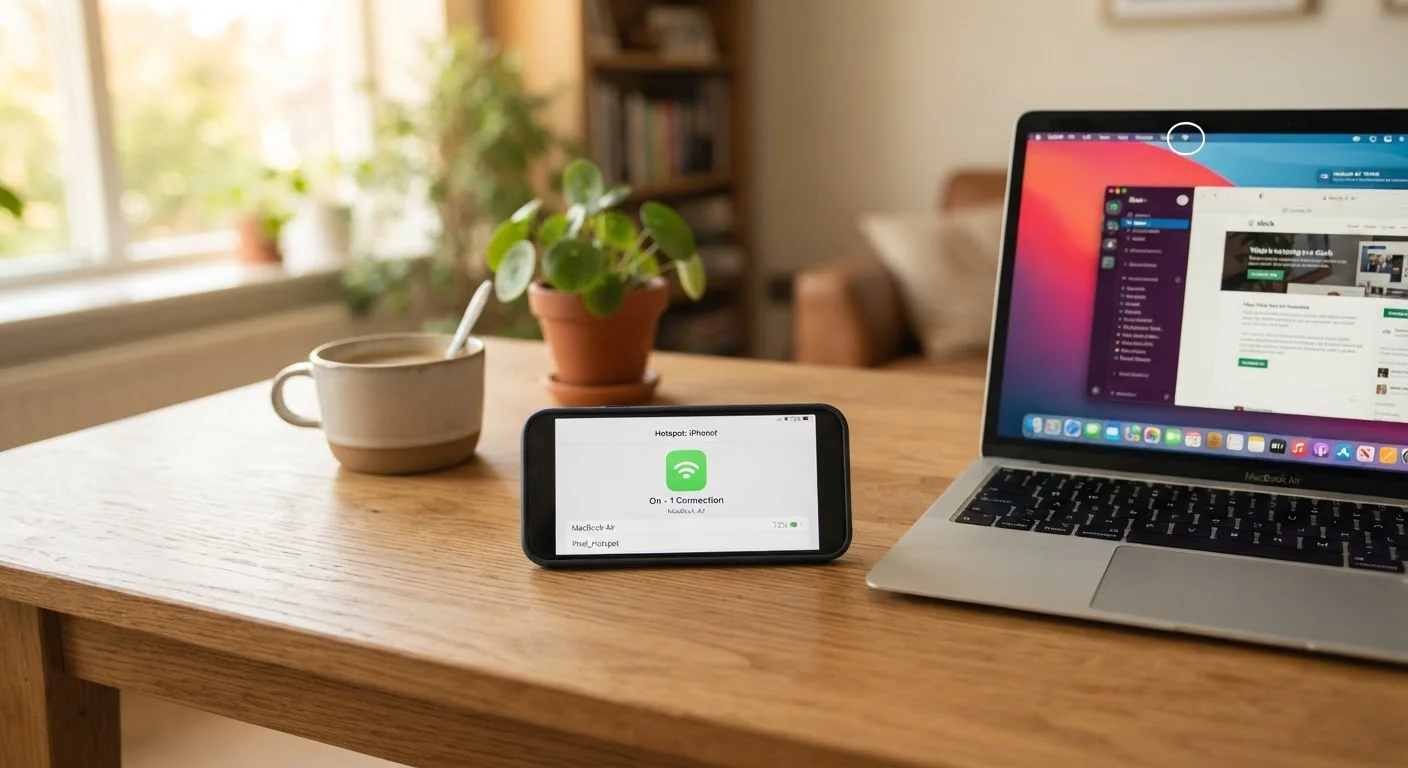
Tethering is the practice of sharing your phone's cellular data connection with another device - a laptop, tablet, or gaming console - so that device can access the internet. When your phone broadcasts that shared connection as a Wi-Fi network, it's called a mobile hotspot. Both methods use the same data your phone receives from the carrier's towers, but carriers frequently count and manage that shared data under separate rules from your regular phone data.
At the network level, carriers can detect tethered traffic through packet inspection or TTL (time-to-live) analysis, which is how they enforce plan-level hotspot restrictions separate from on-device data usage.
How Tethering and Hotspots Actually Work
When your phone connects to a cellular tower, it receives a data signal that normally serves only that device. Tethering changes that equation: it routes some of that incoming cellular data through your phone and out to a second device. Your phone effectively acts as a small router sitting between the carrier's network and whatever you've connected to it.
There are three ways to tether a connection:
- Wi-Fi hotspot: Your phone broadcasts a short-range Wi-Fi network. Other devices see it and connect just as they would to a home router. This is by far the most common method.
- USB tethering: A cable connects your phone directly to a laptop. This is more reliable and actually charges your phone simultaneously, though it limits mobility.
- Bluetooth tethering: The slowest of the three, but useful when a cable isn't available and you're connecting a single device at close range.
In all three cases, the data originates from the same cellular signal - which is why it's accurate to say tethering doesn't give you extra data. It simply redistributes what your plan already provides.
Why Carriers Treat Hotspot Data Differently
If hotspot data comes from the same pool as your regular phone data, why do carriers carve it out separately? The answer is largely about network management and pricing strategy.
Carriers have long observed that tethered devices - especially laptops - tend to generate more data per session than phones used on their own. Streaming a 4K video, downloading large files, or running software updates through a hotspot can consume far more bandwidth than typical mobile browsing. Carriers account for this by restricting how much of your data can be used in hotspot mode, or by throttling hotspot speeds below what your phone itself receives.
"Unlimited" Doesn't Mean Unlimited Hotspot
On many plans marketed as "unlimited," hotspot access is included - but often at speeds reduced to 3G or lower after a threshold is crossed. As explained in our guide to what "unlimited" actually covers, the word has significant fine print attached to it. Always check the specific hotspot data allowance listed in your plan's terms, not just the headline plan name.
On many plans marketed as "unlimited," hotspot access is included - but often at speeds reduced to 3G or lower after a threshold is crossed. As explained in our guide to what "unlimited" actually covers, the word has significant fine print attached to it.
Plan tiers matter here too. Higher-cost plans generally include more high-speed hotspot data (often 15GB to 50GB or more at full speed), while entry-level plans may include as little as 5GB at throttled speeds - or none at all. Understanding how plan tiers are structured helps you estimate whether a plan's hotspot allotment will actually serve your needs.
Where Plans Draw the Line: Common Restrictions to Know
The specifics vary by carrier and plan, but several patterns hold across the industry:
- High-speed hotspot caps: Plans specify a set amount of hotspot data at full (LTE or 5G) speeds. After that threshold, speeds drop - often to around 600 Kbps, which is enough for basic email but not smooth video streaming.
- Deprioritization: Even within the high-speed cap, hotspot traffic may be deprioritized relative to on-device data during network congestion, meaning your laptop's connection suffers first.
- Plan-tier lockouts: Some entry-level plans simply don't include hotspot access. This is particularly common among mobile virtual network operators (MVNOs), which lease network capacity and often pass usage restrictions on to subscribers.
- Video resolution throttling: Some plans throttle video quality on hotspot-connected devices even before the data cap is reached.
Compare Hotspot Allowances, Not Just Plan Prices
If your plan's hotspot allotment regularly runs out, the answer isn't always upgrading your phone plan. A standalone mobile hotspot device on a data-only plan can sometimes provide more hotspot data at a lower total cost, depending on your carrier options. Compare actual hotspot data allowances - not just headline plan prices - when evaluating your options.
If your plan's hotspot allotment regularly runs out, the answer isn't always upgrading your phone plan. A standalone mobile hotspot device on a data-only plan can sometimes provide more hotspot data at a lower total cost, depending on your carrier options. Compare actual hotspot data allowances - not just headline plan prices - when evaluating your options.
Hotspot Devices vs. Phone Tethering
Dedicated mobile hotspot devices - sometimes called MiFi units - connect to the same cellular networks as your phone but are built specifically to share that connection. They support more simultaneous devices, manage heat better during extended sessions, and have batteries designed for longer broadcasting periods.
Using your phone as a hotspot is convenient for occasional needs - a remote work session at a coffee shop, a quick connection for a tablet on a road trip - but it's taxing on your phone's battery and processor. The phone's cellular and Wi-Fi radios both run simultaneously, which generates heat and can slow down the phone itself.
For households that use mobile data as a primary or backup internet source, a dedicated device often makes more practical sense. This is especially relevant in contexts like smart home setups - if you're exploring whether cellular data can support connected devices, the Smart Home Tech hub covers home networking considerations in more depth.
It's also worth noting that eSIM technology is increasingly available on hotspot devices, making it easier to switch data plans or add a plan without swapping physical SIM cards - a useful feature if you travel or want flexibility across carriers.
Reading the Fine Print Before You Rely on Hotspot Access
Before making hotspot access a central part of how you work or stay connected, it's worth reading your plan's terms carefully rather than relying on headline marketing. Key things to look for:
- Hotspot data allowance
- How many gigabytes are available at full speed for tethered use specifically (separate from on-device data)?
- Post-cap speeds
- What speed does hotspot data drop to after the high-speed cap? 600 Kbps is common - functional for light tasks, but not adequate for video calls or file transfers.
- 5G hotspot access
- Some plans restrict hotspot traffic to LTE speeds even when 5G is otherwise available on the plan.
- Device limits
- Some plans cap how many devices can connect simultaneously through your hotspot.
For a broader look at how contract language can affect what you actually receive from a carrier, the guide on reading internet plan contracts applies many of the same principles to broadband agreements. The underlying lesson is the same: advertised features rarely tell the full story without the supporting terms.