

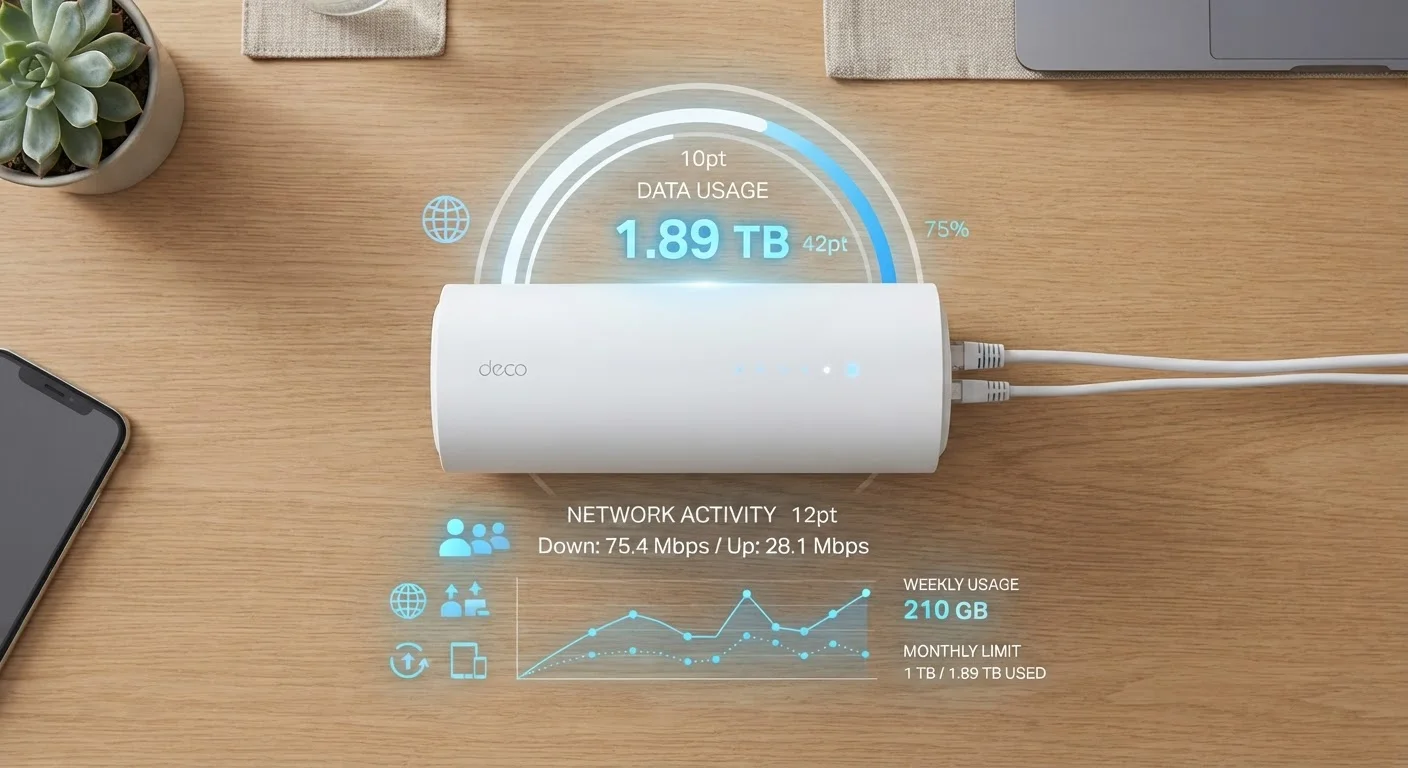
Key Takeaways
- A data cap sets a monthly ceiling on total internet usage, measured in gigabytes or terabytes.
- Exceeding your cap typically results in overage charges or a temporary speed reduction called throttling.
- Streaming video, gaming, and video calls consume the most data and are most likely to push you toward your limit.
- Some plans labeled "unlimited" still include hidden data caps or deprioritization thresholds.
- Monitoring your usage through your ISP's app or account portal is the most reliable way to avoid surprises.
Data Cap
A data cap is a monthly limit on how much internet data your household can send and receive through your broadband connection. Set by your internet service provider (ISP), it measures the total volume of data - in gigabytes (GB) or terabytes (TB) - used across all devices on your network. Once you hit that ceiling, your ISP may slow your connection, charge you extra fees, or both.
Data caps apply to total throughput - the combined upload and download traffic across your connection - and are tracked by the ISP's own metering systems, which may differ slightly from third-party usage monitors.
How Data Caps Are Measured and Enforced
Your ISP measures data in gigabytes (GB) or terabytes (1 TB = 1,000 GB). Every action online - loading a webpage, sending an email, streaming a movie, or joining a video call - transfers a certain amount of data. Your ISP's systems track this traffic at the network level, tallying it against your monthly allowance in real time.
Enforcement varies by provider. The two most common approaches are:
- Overage charges: You pay a per-GB fee for every gigabyte used beyond your cap. These fees can add up quickly if you don't notice you've exceeded your limit.
- Speed throttling: Your connection isn't cut off, but it's slowed significantly - often to speeds that make HD streaming or video calls impractical - until your billing cycle resets.
Some ISPs combine both: a soft cap triggers throttling, and a hard cap triggers overage charges. Reading your plan's terms carefully - or checking the resources in our guide to broadband contract fine print - is the most reliable way to understand which approach applies to you.
1.2 TB
Comcast's standard monthly data cap
Comcast's Xfinity home broadband plans have applied a 1.2 TB monthly data allowance, one of the most widely known caps in U.S. residential broadband.
~500 GB
Average U.S. household monthly broadband usage
According to data from OpenVault's Broadband Insights reports, average U.S. fixed broadband households consumed roughly 500 GB per month in recent years, with heavy users exceeding 1 TB.
20 GB/hr
Maximum data rate for 4K HDR streaming
High-quality 4K HDR streams on services with high bitrate settings can consume up to 20 GB per hour, making video the dominant driver of household data usage.
Which Activities Use the Most Data
Not all internet activity hits your data cap equally. Text-based browsing and email use very little data - often just megabytes per session. But several common household activities can chew through gigabytes fast:
- 4K video streaming: 7-20 GB per hour, depending on the platform and compression settings
- HD video streaming: 3-5 GB per hour
- Video calls: 1-2.5 GB per hour for HD quality
- Online gaming (gameplay only): typically 40-150 MB per hour - modest on its own, but game downloads and updates can be 50-100 GB each
- Smart home devices: generally low individually, but multiple always-on devices add background usage throughout the month
A household with two people streaming 4K content two hours per night could use over 800 GB in a month from video alone. If your plan's cap is 1 TB, add gaming updates, remote work video calls, and smart home traffic, and you may be closer to your limit than you'd expect. Our explainer on how much internet speed your household actually needs can help you map your overall usage profile.
The "Unlimited" Label: What It Actually Means
Many plans marketed as "unlimited" still include language that can significantly affect your experience. The key distinctions to understand:
- Hard cap
- A fixed ceiling where overages are charged or service is suspended. Becoming less common on home broadband unlimited plans, but still present on some.
- Soft cap / deprioritization threshold
- No extra charge, but once you exceed a stated amount, your traffic is placed lower in the queue during congestion. In practice, speeds may drop noticeably during peak hours.
This distinction matters most if you work from home, rely on consistent upload speeds, or stream during evenings when network congestion is highest. The same nuance applies to wireless plans - our article on what "unlimited" really means on a wireless plan breaks down how carriers apply these thresholds on mobile.
If you use your phone as a backup internet source, be aware that mobile hotspot data is metered separately and often has its own, much lower cap. See our overview of how mobile hotspots and tethering work for details on how carriers draw those lines.
Check Your ISP's Usage Meter Before Your Cycle Resets
Log into your account portal or ISP app around the 20th of each month. If you're already at 80% or more of your cap with a week to go, adjust your streaming quality or delay large downloads. Catching this pattern over two or three months will tell you whether your current plan genuinely fits your household's needs.
How to Monitor and Manage Your Usage
The most practical step any household can take is simply knowing where they stand mid-month. Most ISPs provide a usage dashboard through their website or mobile app - check yours regularly, especially in the week before your billing cycle resets.
Beyond monitoring, a few habits can meaningfully reduce consumption:
- Lower the default streaming resolution in your video apps (Netflix, YouTube, and others allow this in account settings)
- Schedule large automatic downloads - operating system updates, game downloads - during off-peak hours, especially if your ISP offers an overnight exemption window
- Audit devices on your network; older smart home devices and gaming consoles sometimes send background traffic more than expected
- If your household's usage consistently runs close to the cap, compare whether upgrading to a higher-tier or uncapped plan costs less than recurring overage fees
Understanding your plan's structure is also important before signing up. Our guide to wireless plan tiers for different usage levels offers a useful framework for estimating your real needs, whether on mobile or home broadband.