

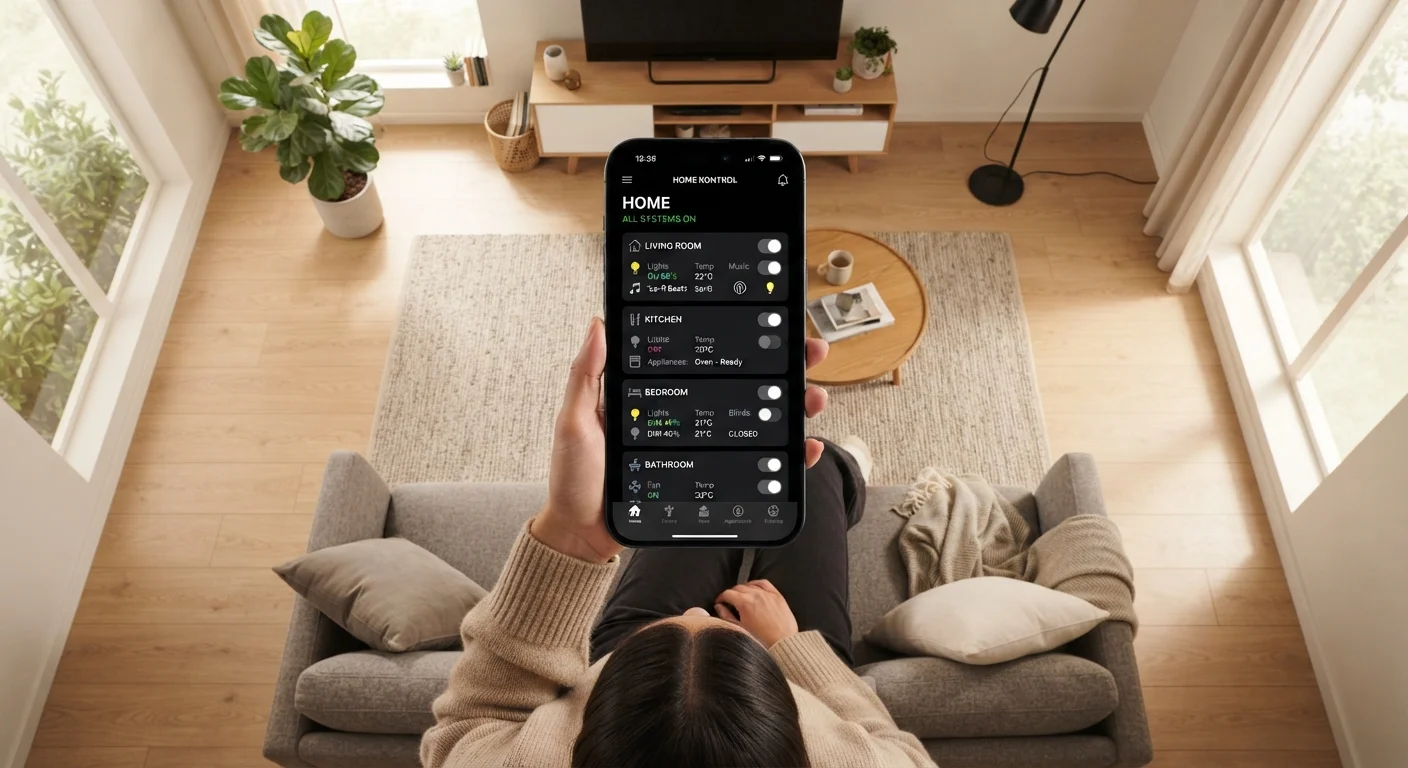
Key Takeaways
- Rooms are virtual groupings in your app that mirror physical spaces in your home.
- Scenes set a specific combination of device states - like dimmed lights and a locked door - with one command.
- Routines run scenes or device actions automatically based on triggers like time of day or your location.
- Understanding these three layers makes setting up and troubleshooting automations much easier.
- Most smart home platforms use the same underlying logic, even when they call things by different names.
Smart Home Automation Organization
Smart home automation organizes connected devices into logical groups - rooms, routines, and scenes - so you can control multiple devices together with a single tap or voice command. Rooms group devices by physical location. Scenes set multiple devices to specific states at once. Routines trigger those scenes automatically based on a schedule, your location, or other conditions.
Most major platforms (such as Google Home, Amazon Alexa, and Apple HomeKit) use slight variations of this same underlying model, though terminology may differ slightly between ecosystems.
The Three-Layer Model Every Smart Home Uses
Walk into almost any smart home app - Google Home, Amazon Alexa, Apple HomeKit, Samsung SmartThings - and you'll find the same underlying structure: rooms, scenes, and routines. These three layers work together like a hierarchy. Rooms organize your devices. Scenes orchestrate those devices into useful combinations. Routines automate scenes so they happen without you lifting a finger.
This isn't just a design choice by app developers - it reflects how people actually live in and use their homes. You don't want to control every light bulb individually; you want your home to respond to your life. That's exactly what this three-layer model is built to accomplish.
69%
U.S. adults who own at least one smart home device
According to Statista consumer survey data, smart home device ownership among U.S. adults has grown substantially over the past several years.
3+
Average smart home devices per connected U.S. household
Industry research indicates that households with any smart home technology tend to own multiple devices, making organizational structure increasingly important.
Rooms: Your App's Map of Your Home
In a smart home app, a room is a virtual container that holds a group of devices. You create rooms yourself and name them whatever makes sense - Kitchen, Master Bedroom, Back Porch. When you add a smart light, plug, or sensor to your system, you assign it to a room so you know where it lives and can control everything in that space together.
Rooms serve two practical purposes. First, they make your device list manageable - instead of scrolling through 20 individual devices, you tap 'Living Room' and see everything there at once. Second, they enable grouped commands: 'Turn off the bedroom' can shut off your lamp, ceiling fan, and smart plug simultaneously.
One common point of confusion: rooms in the app are entirely virtual. Your app doesn't know your floor plan - you're the one deciding what belongs where. If you work from your dining room, nothing stops you from calling it 'Home Office' in the app.
Scenes: Snapshots of How You Want Your Home to Feel
A scene captures a specific combination of device states and saves it under a single name. When you activate that scene, all the included devices jump to their assigned states at once.
For example, a 'Movie Night' scene might dim the living room lights to 20%, turn off the overhead kitchen light, switch the TV input to streaming, and lower the thermostat by two degrees - all in one tap or voice command. You set those states once when creating the scene, and from that point on, one command does the work of six.
Scenes are platform-specific: a scene you create in the Google Home app won't appear in Amazon Alexa. If you use multiple platforms, you may need to recreate scenes in each one, or consider a hub that bridges them.
Routines: The Automation Engine
If scenes are the 'what,' routines are the 'when and why.' A routine is a rule that watches for a specific trigger and then runs one or more actions - including activating a scene - automatically.
Common triggers include:
- Time-based: Run 'Good Morning' scene at 6:45 a.m. on weekdays.
- Sunrise/sunset: Turn on porch lights 15 minutes before sunset.
- Geofencing: Activate 'Away' scene when everyone's phone leaves the neighborhood.
- Sensor input: Turn on a night light when a motion sensor detects movement after midnight.
- Device state: Start the exhaust fan when a humidity sensor in the bathroom exceeds a threshold.
Routines are where automation genuinely earns its name. Well-designed routines mean your home anticipates your day rather than waiting to be told what to do.
For households that want to ensure their connected devices stay secure while using routines and sensors, our guide to smart home security covers how to reduce exposure to network threats.
Start Simple, Then Build
If you're new to smart home automation, resist the urge to set up every possible routine at once. Begin with one or two scenes for situations you encounter every day - like morning and bedtime - and add routines gradually as you learn what triggers work reliably in your home. A simple, well-functioning setup is far more useful than a complex one that misfires.
How the Three Layers Work Together
The clearest way to see how rooms, scenes, and routines relate is to walk through a real-world example. Suppose you want your home to help you wind down in the evening.
First, you've already assigned your bedroom lamp, smart plug (for a white-noise machine), and thermostat to the Bedroom room. Second, you create a 'Wind Down' scene: lamp at 10% warm light, thermostat set to 67°F, white-noise machine on. Third, you build a routine: every night at 9:30 p.m., activate the 'Wind Down' scene.
That's the full stack in action. Each layer handles a different job, and together they do something none of them could do alone.
Renters who want to take advantage of this setup without making permanent changes should check out our overview of smart home options that don't require rewiring.
A Note on Platform Differences
The terminology and capability gaps between platforms are real, and worth knowing before you invest in a system. Amazon Alexa calls its automations 'Routines.' Apple HomeKit calls them 'Automations.' Google Home uses 'Automations' as well, but with a somewhat different trigger model. The underlying logic is the same; the labels and feature depths differ.
The emerging Matter standard - a cross-industry protocol - is gradually allowing more devices to work across multiple platforms simultaneously, which should reduce the ecosystem lock-in problem over time. But as of now, it's wise to pick a primary platform and build your rooms, scenes, and routines there, rather than trying to manage everything across competing apps.
Platform Lock-In Is a Real Consideration
Devices, scenes, and routines created in one ecosystem don't automatically transfer to another. If you switch from Amazon Alexa to Google Home, for instance, you'll need to reconfigure your rooms, scenes, and routines from scratch in the new platform. Before committing to a large number of devices, it's worth researching which platform best fits your household's existing devices - including any smart speakers or displays you already own.