

Key Takeaways
- Local-processing devices work without internet, making them more reliable during outages.
- Cloud-dependent devices often offer richer features but stop working if servers go offline.
- Privacy exposure is generally lower with local processing because data stays on your network.
- Many modern devices blend both approaches, using local control with optional cloud features.
- Your choice of processing type should reflect your reliability needs and privacy comfort level.
Works without internet access
Local devices continue functioning normally during ISP outages or router issues, making them far more reliable for time-sensitive automations like door locks and lighting schedules.
Lower latency for faster response
Commands processed on a local hub or device chip don't need to travel to a remote server and back, which typically results in near-instant response times compared to cloud-routed controls.
Data stays inside your home network
Sensor readings, usage patterns, and voice triggers are processed locally rather than transmitted to third-party servers, reducing the data footprint exposed to outside collection.
Not vulnerable to server shutdowns
If the manufacturer discontinues a cloud service, locally processed devices continue to operate, protecting your investment over a longer time horizon.
More predictable long-term reliability
Local systems don't depend on a company's server infrastructure remaining operational, which matters as smart home product lines frequently change ownership or are discontinued.
Setup is more technically demanding
Local hubs and platforms - such as Home Assistant or similar open ecosystems - often require manual configuration, network knowledge, and ongoing maintenance that cloud plug-and-play devices don't.
Remote access requires extra configuration
Accessing locally processed devices while away from home typically requires setting up a VPN or secure tunnel, an additional step that many casual users find difficult to implement correctly.
Narrower device compatibility out of the box
Not all smart home products support local control, so building an all-local ecosystem may limit which devices you can choose from and how easily they interoperate.
Advanced AI features often require cloud
Capabilities like voice recognition, complex scene suggestions, and adaptive learning algorithms generally require cloud computing power that onboard chips cannot replicate locally.
Our Verdict
Local-processing devices deliver clear advantages in reliability and data privacy, but typically require more technical setup and may lack advanced features. Cloud-dependent devices are easier to configure and often more feature-rich, but they introduce a dependency on internet connectivity and third-party server uptime that is largely outside your control. Neither approach is universally superior - the right choice depends on what matters most in your household.
Local processing suits privacy-conscious users or anyone who needs smart home functions to work reliably during internet outages; cloud-dependent devices are a better fit for users who prioritize easy setup and don't mind relying on a provider's infrastructure.
What These Terms Actually Mean
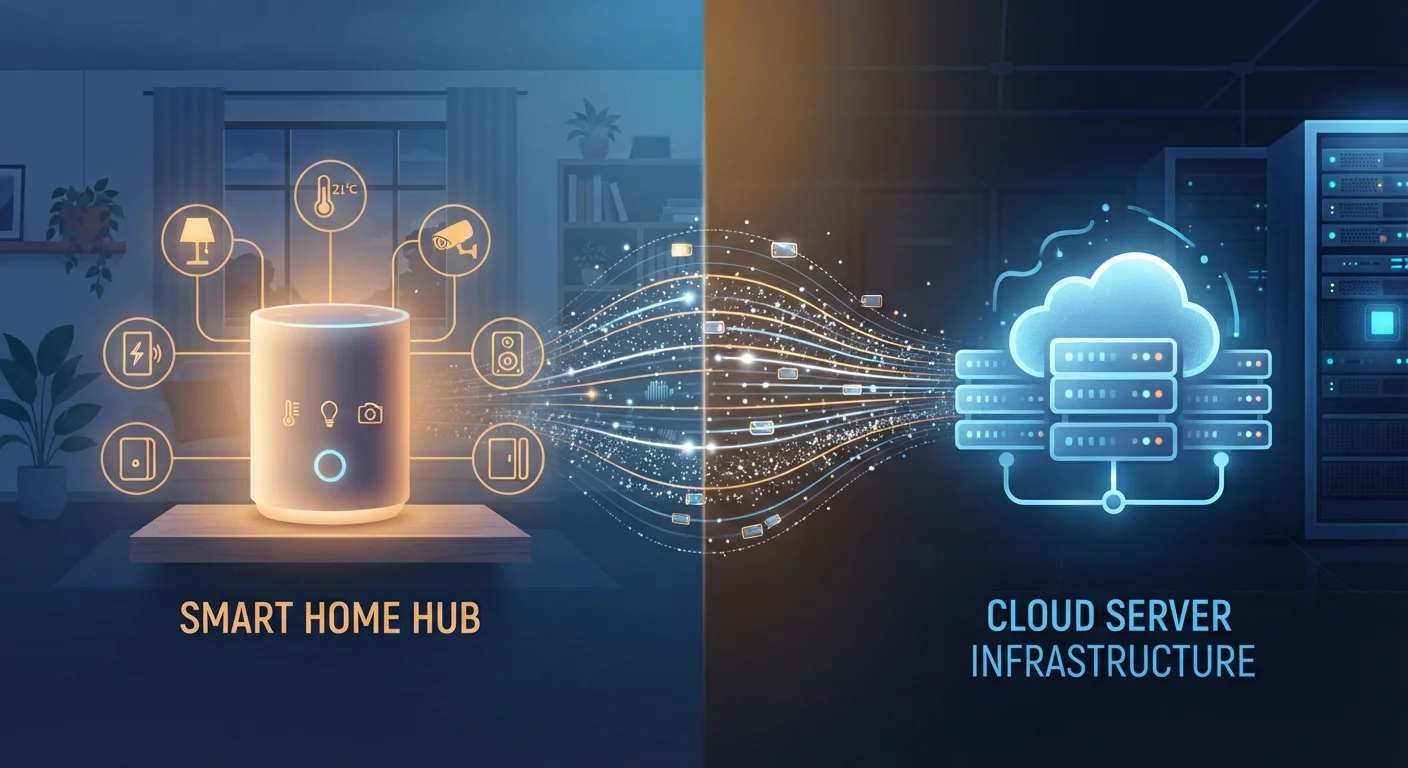
Every smart device needs to process commands - turning on a light, adjusting a thermostat, or triggering a camera recording. The question is where that processing happens. With a local-processing device, the computation occurs on hardware inside your home: a hub, a bridge, or the device's own onboard chip. With a cloud-dependent device, the command travels from your phone or voice assistant, out through the internet, to a manufacturer's remote server, and back again - all within a fraction of a second under normal conditions.
The distinction matters more than most buyers realize. If your internet connection drops, a cloud-dependent smart lock or thermostat may become unresponsive. A locally processed equivalent will keep working normally. For a broader introduction to how these devices communicate, see Smart Home 101.
Advantages of Local Processing
Local-processing architectures offer several meaningful benefits that are easy to overlook during a product demo but matter significantly day to day.
Works without internet access
Local devices continue functioning normally during ISP outages or router issues, making them far more reliable for time-sensitive automations like door locks and lighting schedules.
Lower latency for faster response
Commands processed on a local hub or device chip don't need to travel to a remote server and back, which typically results in near-instant response times compared to cloud-routed controls.
Data stays inside your home network
Sensor readings, usage patterns, and voice triggers are processed locally rather than transmitted to third-party servers, reducing the data footprint exposed to outside collection.
Not vulnerable to server shutdowns
If the manufacturer discontinues a cloud service, locally processed devices continue to operate, protecting your investment over a longer time horizon.
More predictable long-term reliability
Local systems don't depend on a company's server infrastructure remaining operational, which matters as smart home product lines frequently change ownership or are discontinued.
Privacy is perhaps the most important factor for many households. When voice commands, motion detections, and sensor readings never leave your home network, the exposure window for data collection is substantially narrower. For a deeper look at what always-on devices actually capture, see The Privacy Implications of Always-On Smart Home Devices.
Drawbacks of Local Processing
Local systems are not without trade-offs. Understanding the limitations helps set realistic expectations before you commit to a particular ecosystem.
Setup is more technically demanding
Local hubs and platforms - such as Home Assistant or similar open ecosystems - often require manual configuration, network knowledge, and ongoing maintenance that cloud plug-and-play devices don't.
Remote access requires extra configuration
Accessing locally processed devices while away from home typically requires setting up a VPN or secure tunnel, an additional step that many casual users find difficult to implement correctly.
Narrower device compatibility out of the box
Not all smart home products support local control, so building an all-local ecosystem may limit which devices you can choose from and how easily they interoperate.
Advanced AI features often require cloud
Capabilities like voice recognition, complex scene suggestions, and adaptive learning algorithms generally require cloud computing power that onboard chips cannot replicate locally.
The Growing Hybrid Middle Ground
Many current devices use a hybrid model: local processing handles routine commands for speed and reliability, while cloud connectivity enables remote access, firmware updates, and advanced features. When evaluating a device, ask specifically which functions work offline and which require a cloud connection - the answer is often buried in technical documentation rather than on the box.
Some platforms - including those built on the Matter standard - are designed to support local control while still enabling optional cloud features. Matter: The New Smart Home Standard Explained to understand how this emerging approach may reduce some of the trade-offs described here.
Cloud-Dependent Devices: The Real Risks
Cloud-based smart home devices are the current mainstream - most consumer products sold in retail stores today route commands through a manufacturer's servers. That works well under ideal conditions, but the risk profile is worth examining honestly.
100%
Cloud devices affected by a single server outage
When a major smart home platform's cloud goes offline, every device in every household relying on that service loses remote and sometimes local control simultaneously.
~500ms
Typical cloud round-trip command latency
Industry estimates suggest cloud-routed smart home commands often add several hundred milliseconds of delay versus near-instant local processing, which becomes noticeable in time-sensitive automations.
Server outages at major platforms have resulted in widespread device failures across many thousands of households simultaneously - a problem that local processing simply does not have by design. Beyond outages, cloud dependence also creates a longevity concern: when a manufacturer discontinues a product line or shuts down a service, cloud-dependent devices can become permanently nonfunctional. This is sometimes called device abandonment or bricking by server shutdown.
Your home network quality also directly affects cloud-device performance. A shaky Wi-Fi setup amplifies every cloud-latency issue. Setting Up a Home Network That Can Handle Smart Devices for practical steps to reduce that risk.
Choosing the Right Architecture for Your Home
Most households don't need to go all-in on one approach. A practical strategy is to prioritize local processing for security-critical devices - door locks, alarms, and cameras - while accepting cloud dependence for lower-stakes devices like smart bulbs or entertainment controls where a temporary outage is merely inconvenient.
When evaluating any device, look for these signals in product documentation:
- Local API or LAN control - indicates the device can be controlled without cloud access.
- Hub-based ecosystem - a local hub often means commands stay on your network.
- Offline mode disclosure - reputable manufacturers disclose what happens to the device when internet access is lost.
Also consider the long-term stability of the ecosystem. Smart Home Security: Locking Down Your Connected Devices is equally relevant regardless of processing model - network hygiene matters whether commands go local or cloud. If you're troubleshooting connectivity issues, Why Your Smart Devices Keep Dropping Off the Network can help identify whether the problem is local or cloud-side.